
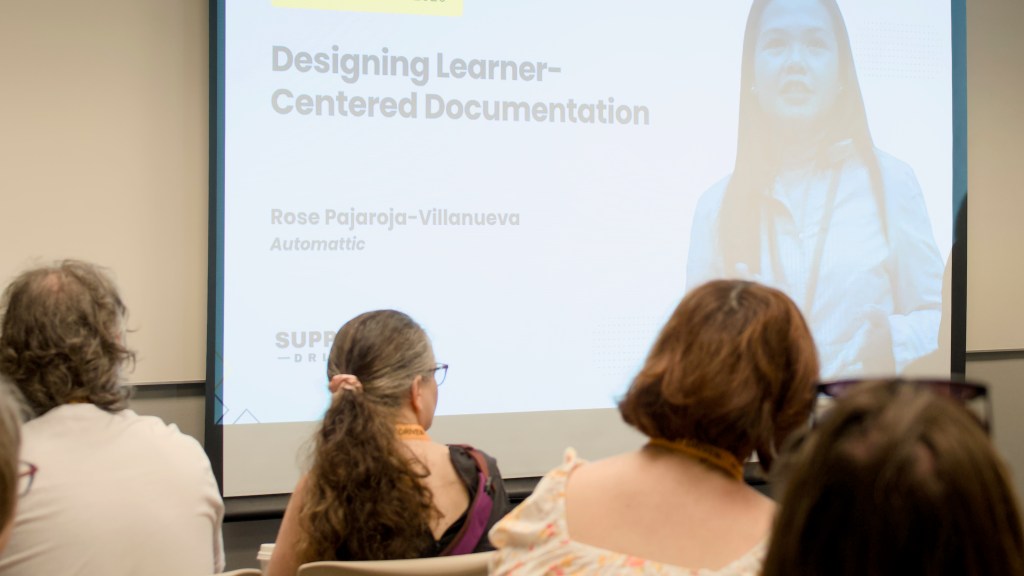
In August, I traveled from the Philippines to Chicago to speak at Support Driven Expo 2026. At the expo, I met new people from other companies and enjoyed spending time with colleagues from outside my team. Outside the expo, I loved the weather, the food, and our hotel, the Eurostars Magnificent Mile.




I spent the early years of my career in training and instructional design, and at Automattic, I have contributed to our documentation. Drawing on that experience, I talked about designing learner-centered documentation, and working with AI to build learning tools. It was not the usual talk about getting AI to do the work, but about working with AI to empower people. In this post, I share the main ideas from it.
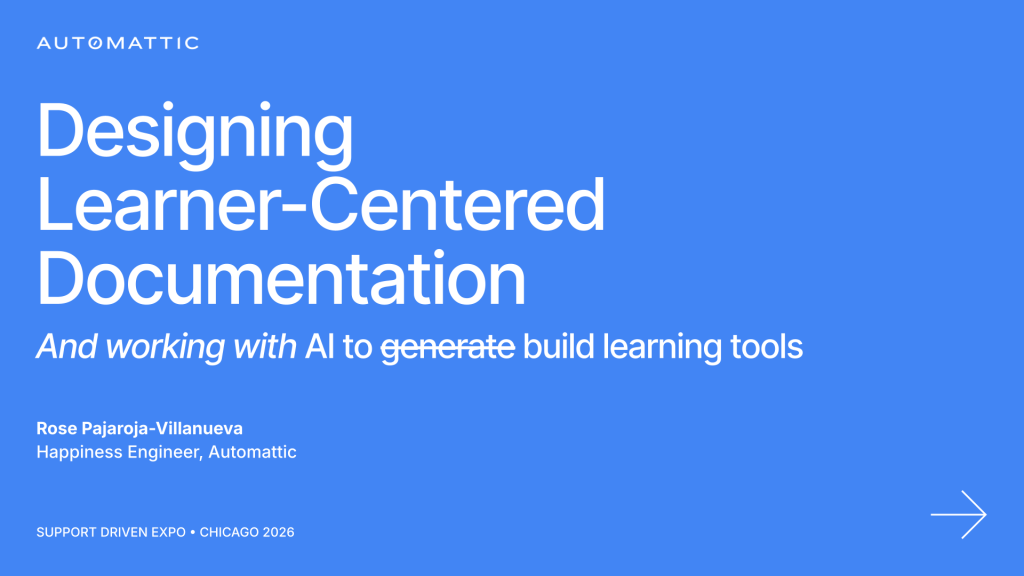
The talk centered on one reader: a support agent in a live interaction, with a customer waiting for an answer. From that starting point, I shared three ideas.
Documentation designed for the person in the interaction
Building a page like this comes down to three questions, asked in order: what to document, who is reading, and what they need first.
What should I document first? Let the data decide. Look for:
- Contact drivers: the topics customers ask about most often.
- Inconsistent resolutions: the same issue solved in different ways.
- Avoidable escalations: issues passed to another team that could have been resolved without it.
Who is reading, and how much time do they have? The answer decides the kind of page.
- A reference page is organized around the content. It does not account for the reader’s time, so it suits user guides and new hire training.
- A performance support page is organized around the person using it. They do not have time to read the whole page, so what they need first appears first.
As I put it in the talk: same information, completely different page.
What does the reader need first? On a live chat, the page follows the interaction:
- Can I handle this? The page opens by telling the agent whether to handle the issue or escalate it.
- What is the customer describing? Customers do not ask what DNS is; they describe a problem. A decision table lists those descriptions, what to check, and what to do.
- What do I do next? Each topic follows the order of the conversation: what to check, common scenarios, a sample reply, and sample notes.
An AI agent that works with the author
A design like this only helps if every guide follows it, no matter who writes it. This is where AI comes in, as a collaborator rather than a generator.
Asking AI to generate a guide on a topic returns a complete document in a single run. That document can easily be written for an experienced agent with full tool access, which is not who the guide is for. Working with AI means briefing it on the three people involved:
- The author, whoever writes the guide, including someone new to the workflow.
- The instructional designer, which is the AI itself. It needs its role, workflow, rules, and standards, the same way a new colleague would be briefed on their first day.
- The audience, the people who will use the guide: their product knowledge, their tool access, and the time pressure they work under.
From there, the work moves through stages, and a person reviews each one: research, outline, build, draft, and verification. Accuracy is critical in support documentation, so nothing is published from a single instruction.
An AI mentor that asks instead of answers
Documentation helps a new hire find the answer, but it does not ensure they learn it. If AI hands them the links and the reply today, will they remember any of it when the same issue comes back next week?
The idea I am exploring is an AI mentor that keeps the efficiency of AI while still building foundational knowledge. It does not give the answer or write the reply. Instead, it asks the new hire what they think, asks what makes them think so, and then gives feedback on the interaction.
I closed the talk with this thought:
the future I want is not one where AI replaces people, but one where AI empowers them.
Further reading
- Carroll, J. M. (1990). The Nurnberg Funnel: Designing Minimalist Instruction for Practical Computer Skill. MIT Press.
- Collins, A., Brown, J. S., and Newman, S. E. (1989). Cognitive apprenticeship: Teaching the crafts of reading, writing, and mathematics. In L. B. Resnick (Ed.), Knowing, Learning, and Instruction (pp. 453–494). Lawrence Erlbaum.
- Neher, J. O., Gordon, K. C., Meyer, B., and Stevens, N. (1992). A five-step “microskills” model of clinical teaching. Journal of the American Board of Family Practice, 5(4), 419–424.
- Rossett, A., and Schafer, L. (2007). Job Aids and Performance Support: Moving from Knowledge in the Classroom to Knowledge Everywhere. Pfeiffer.
- Sweller, J. (1988). Cognitive load during problem solving: Effects on learning. Cognitive Science, 12(2), 257–285.


Leave a Reply